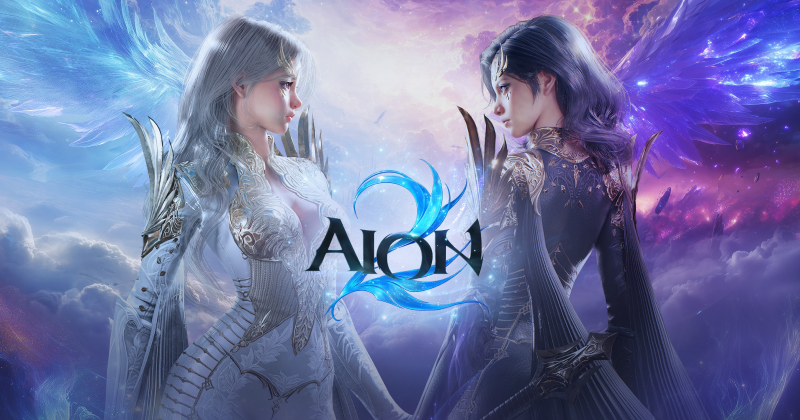
For the global PC version, use the official AION 2 Steam app or NCSoft's PURPLE platform. Confirm the region and account before installing, allow at least the currently listed 100 GB of free storage, and avoid third-party client mirrors.
Choose an official client
NCSoft identifies Steam and PURPLE as the global PC distribution routes. Open the publisher-controlled Steam app page or the official PURPLE service. Do not use repacks, unofficial launchers or download links posted without a publisher domain.
Check region and account
Store availability, language, purchases and service terms can vary by region. Confirm the account and region before buying a founder product or beginning a large download. Korea/Taiwan client instructions are not automatically valid for the global service.
Prepare the PC
Steam currently lists 100 GB of available storage and recommends an SSD. Keep additional free space for unpacking and later updates, use a stable connection and update Windows and graphics drivers. Recheck the system requirements page before launch.
Installation and updates
Follow the selected platform's install control and keep the official launcher available for verification and patches. If an update stalls, first check free space, platform notices and service maintenance before deleting the client.
Avoid account and file risks
Never enter credentials into a mirror or transfer launcher files from an unknown package. Official support may ask for logs, but it should not ask you to disclose a password or one-time code.